
To calculate the size of a modular LED video wall, start with the cabinet dimensions. Multiply the cabinet width by the number of columns and the cabinet height by the number of rows. Use the cabinet’s pixel dimensions in the same calculation to find the screen’s native resolution.
Start with the space you can use
Give the supplier the measured opening and the desired active image size. Mark the finished floor, trim, mounting depth, cable exits and service clearances on both an elevation and a side view. The approved drawing should show the active image area and the overall installed dimensions.
- Fixed opening. After allowing for the installation clearances, divide the available width and height by the cabinet dimensions. Round each result down to a whole cabinet.
- Minimum image size. If the image must meet a minimum width or height, round that dimension up. Check the new cabinet grid against the space before approving it.
Example 1. A fixed indoor wall in a 4 × 2.5 m space
Suppose the available area for the cabinet grid is 4,000 × 2,500 mm and the selected fixed cabinet is 640 × 480 mm. Six columns and five rows use 30 cabinets and produce a nominal 3,840 × 2,400 mm grid, about 12.60 × 7.87 ft.
- A P1.25 cabinet with 512 × 384 pixels gives a native wall resolution of 3,072 × 1,920 pixels.
- A P2.5 cabinet with 256 × 192 pixels gives 1,536 × 960 pixels on the same physical grid.
This layout has a 16:10 aspect ratio. If most of the content is 16:9, ask how it will be fitted to the screen and whether the layout should change. Compare the values in the fixed indoor cabinet specifications.
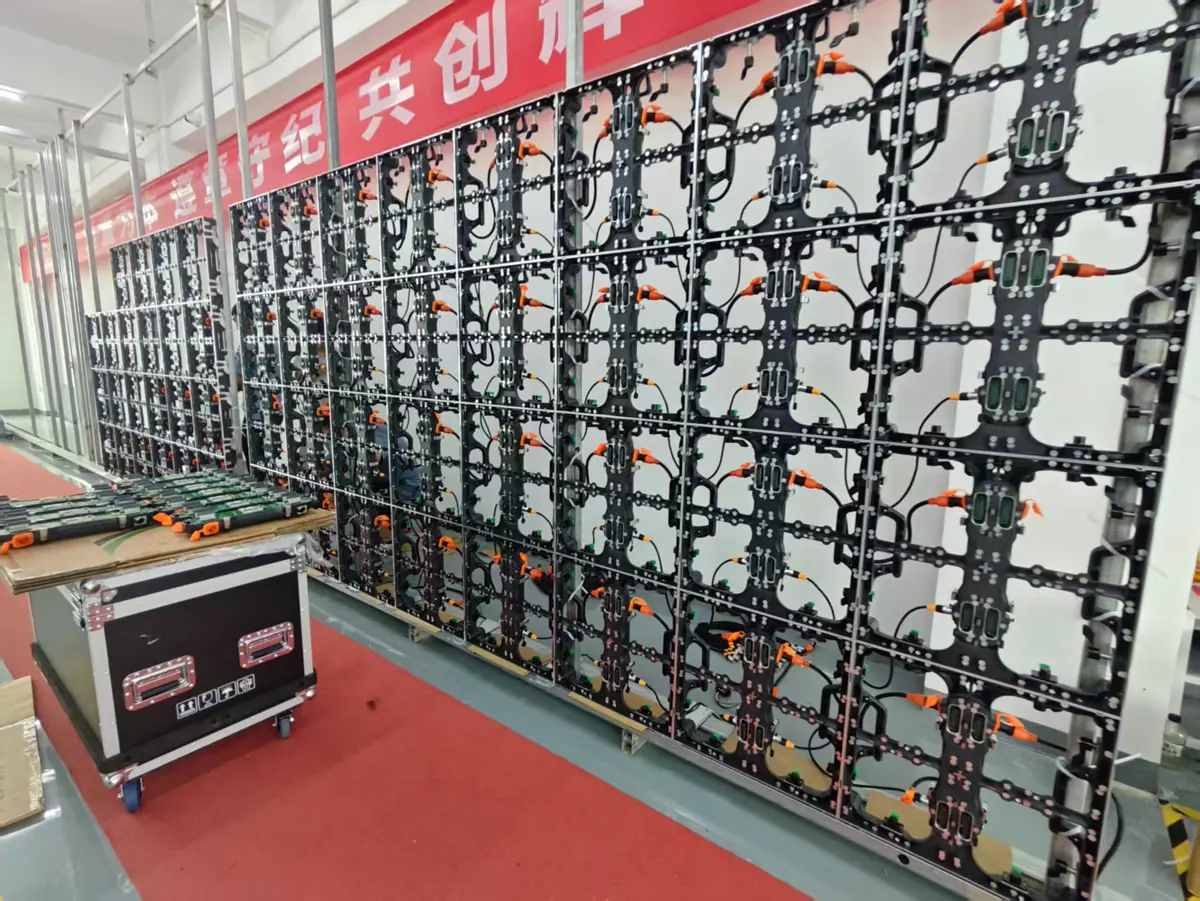
Example 2. Two layouts for a 5 × 3 m rental wall
For the selected indoor P2.604 rental series, the 500 × 500 mm cabinet has 192 × 192 pixels. The vertical 500 × 1,000 mm cabinet has 192 × 384 pixels. Either format can produce the same 5 × 3 m grid in these examples.
- 500 × 500 mm cabinets. Ten columns by six rows require 60 cabinets.
- 500 × 1,000 mm cabinets. Ten columns by three rows require 30 cabinets.
Both layouts have a native resolution of 1,920 × 1,152 pixels. Ask the rental team to compare handling, case quantities, spare cabinets and the approved support hardware. If both formats will be mixed, confirm the cabinet series and the compatible connection hardware. The indoor rental specifications show the two cabinet formats.
Ask for these details in the quotation
- A dimensioned drawing with the active image area, installed footprint and service access.
- The model, pixel pitch, cabinet count by format and native resolution.
- The controller, mounting hardware, spare parts and packing included in the quote.
Model inputs are from the supplied 2026 company-group product catalog, pages 9 and 15. The layouts are calculation examples. Use the selected model’s drawing to confirm your project dimensions.
Have the opening dimensions or a sketch? Request an indoor wall quote or request a rental wall quote.