
Can or cylinder display
Define diameter, height, seam position, viewing sides and service access.
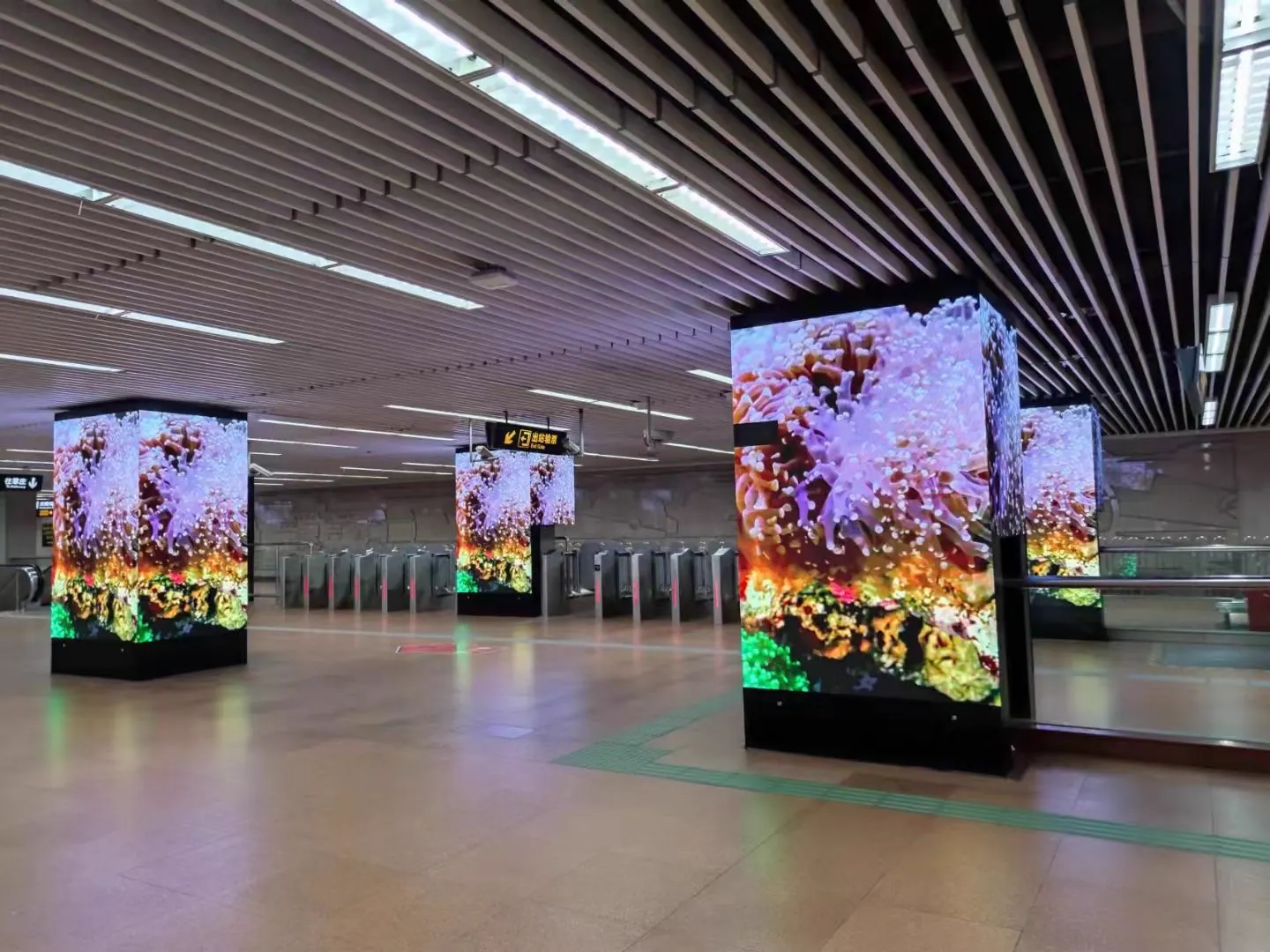
Flexible and custom-shaped LED display
Flexible modules and custom structures can form cans, cylinders, spheres, ribbons and irregular displays. The concept must be translated into dimensioned geometry, a supporting structure, mapped content and a practical service route.
Application, approximate screen size and destination are enough for an initial review.
Display format reference image
Product visuals
Review display form, structure and applications through the image gallery and video previews.


Video previews
Images show possible shapes. Final geometry depends on the selected series and project.
Product directions
Use these directions to organize the project brief. Final configuration depends on the selected LED display, site and confirmed order.
Define diameter, height, seam position, viewing sides and service access.
Resolve segment geometry, support points, mapped media and replacement access from the start.
Break the form into practical modules and plan support at every transition.
Coordinate model files, tolerances, face transitions, content templates and the replacement route.
Configuration
These questions help match a display series to the project. Final values depend on the selected product and site conditions.
Provide radius, arc length, diameter and face transitions.
Set module orientation and seams around the shape.
Coordinate frame, fixing, cable routes and ventilation.
Prepare playback to the approved surface and orientation.
Confirm which faces need to be seen and from where.
Plan module and power access after installation.
Send the application and approximate screen size to request data for a suitable series.
Request a Matching Data Sheet →Model reference
The listed indoor flexible modules can be evaluated for curved and custom structures.
| Pixel pitch | Module size | Brightness by model | Refresh rate |
|---|---|---|---|
| P1.25 | 240 × 120 mm | 600–800 cd/m² | 3,840 Hz |
| P1.5625 | 240 × 120 mm | 600–800 cd/m² | 3,840 Hz |
| P1.875 | 240 × 120 mm | 600–800 cd/m² | 3,840 Hz |
| P2 | 240 × 120 mm | 600–800 cd/m² | 3,840 Hz |
| P2.5 | 240 × 120 mm | 600–800 cd/m² | 3,840 Hz |
Brightness varies by model. Final curve radius, structure, service access and module configuration are confirmed in the model-matched proposal.
Request a model-matched data sheetManufacturer review
A finished specification is not required for the first product review.
Before configuration
Clear inputs make the proposed LED display, included scope and quotation easier to compare.
Provide radius, arc length, height and any changing curvature.
Confirm how modules follow the surface and where seams will occur.
Allow for alignment, cable routing, ventilation and safe access.
Prepare templates based on the approved final geometry.
Buyer FAQ
These answers help prepare a clearer request for quotation. Model-specific values are confirmed in the quotation and matching product information.
It varies by module and structure. Share the target geometry so suitable directions can be reviewed.
Some concepts can combine transitions, but the mechanical layout and service method must be resolved first.
For complex shapes, a dimensioned model or drawing helps align display layout, structure and content production.
Start with a rough project brief
Share the application, approximate width and height, viewing distance, installation environment and destination. Detailed drawings are helpful but not required for the first reply.